The final component you install on your custom mechanical keyboard has the most significant impact on your typing ergonomics and sound.
While colorways and materials are often the primary focus, the physical profile of the keycap dictates how your fingers actually interact with the board.
The keycap profile refers to the overall shape, height, and sculpt of the keys across the different rows of the keyboard.
Choosing the wrong profile can lead to increased typing errors, wrist fatigue, and an acoustically disappointing experience.
After analyzing dozens of unique shapes, it is clear that understanding the engineering behind these profiles is critical for any builder.
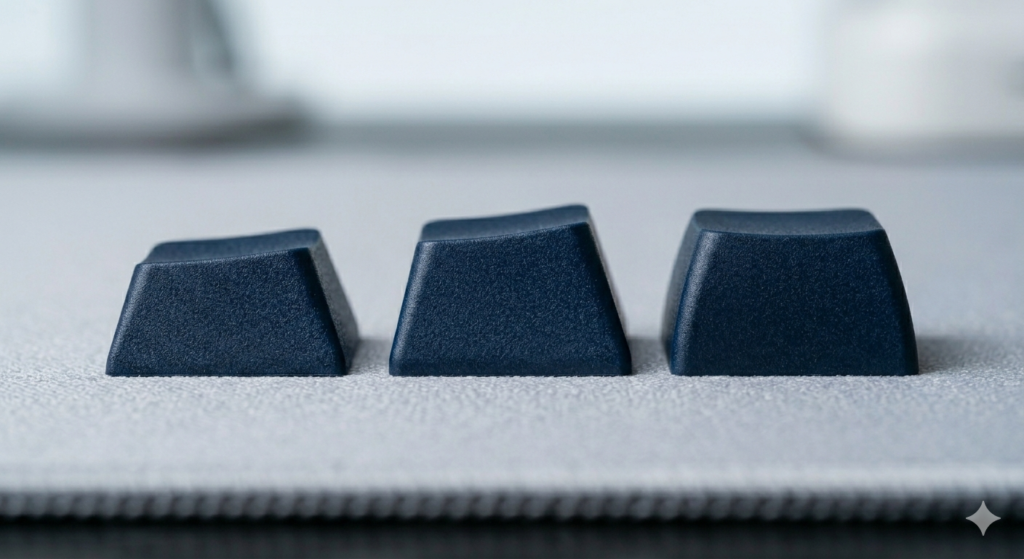
This guide provides a technical analysis of the three dominant profiles used in the hobby today.
Technical Criteria for Profile Analysis
To compare profiles effectively, we must first establish how they are measured.
We evaluate keycap profiles based on their effective height and their row sculpt.
Effective height is the vertical distance from the switch stem to the top typing surface.
Row sculpt refers to whether the keys in different rows have unique angles to create a natural curve for your fingers.
Some profiles are uniform, meaning every key is the exact same height, while others are aggressively contoured.
Read Also: The Best Mechanical Switches for Gaming
Cherry Profile: The Enthusiast Benchmark
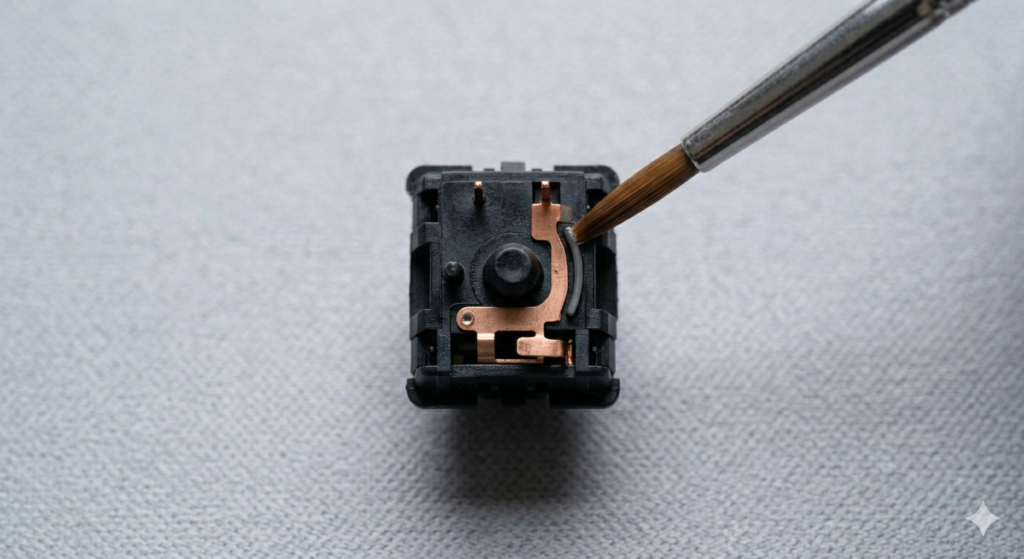
Cherry profile is widely considered the definitive choice for custom keyboard enthusiasts.
These keycaps are sculpted, meaning the rows have unique heights and angles designed to minimize finger travel.
Crucially, Cherry profile is lower in height than the standard keys found on most pre-built boards.
This lower height reduces the angle your wrists must maintain, which significantly decreases fatigue during long sessions.
Acoustically, the lower mass of these keycaps produces a deeper, clearer sound profile that many modders describe as a solid “thock.”
OEM Profile: The Industry Standard
OEM profile is the most common keycap shape found on mass-produced mechanical keyboards.
If you bought a keyboard from a major gaming brand, it almost certainly came with these keycaps.
While they feature a similar ergonomic sculpt to the Cherry profile, they are visibly taller across all rows.
This increased height provides a typing experience that most people find familiar and easy to use immediately.
However, the added material often results in a sound profile that is higher-pitched and slightly sharper.
Read Also: The Ultimate Guide to Keycap Legends
XDA Profile: The Uniform Philosophy
XDA profile represents a fundamentally different approach to keycap design.
Unlike the sculpted rows of other profiles, XDA is uniform, meaning every key is the exact same height and shape.
These keycaps also feature a wider, flatter typing surface compared to the cylindrical tops of standard keys.
This uniform height is highly prized for its clean, retro aesthetics and minimalist look.
While visually appealing, the lack of an ergonomic curve can be a challenge for touch typists who rely on row height to navigate the board.
Acoustic Performance and Material Density
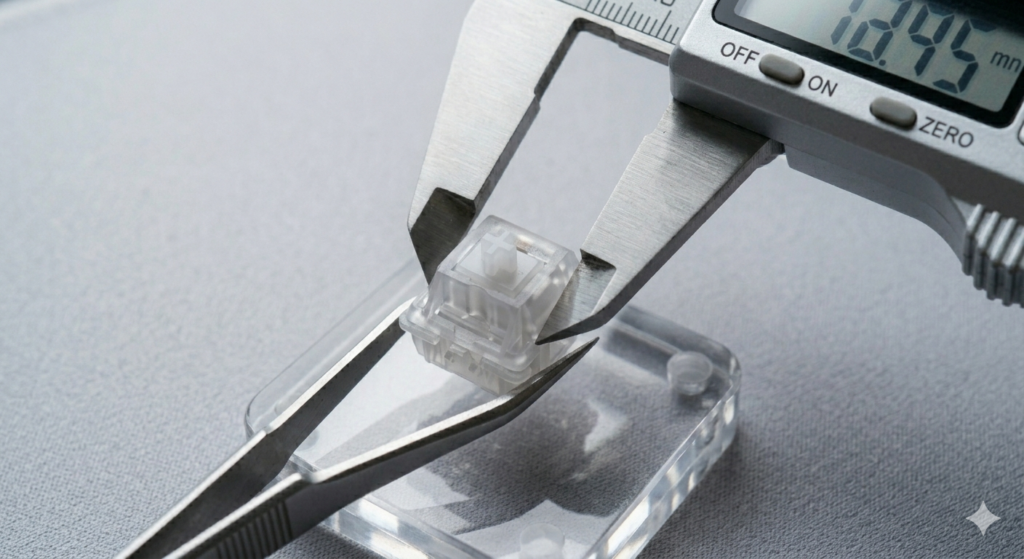
The mass and shape of the keycap polymer directly affect how sound resonates through the keyboard.
Lower profiles generally have less internal space, which helps filter out harsh, high-frequency sound waves.
When paired with high-quality lubricated switches, lower sculpted profiles produce a clean and satisfying sound signature.
Uniform profiles like XDA have a larger internal cavity, which can sometimes create a unique, hollower resonance.
Ultimately, the choice depends on whether you value a consistent aesthetic or a curved ergonomic feel.
Conclusion
Choosing the right keycap profile is a foundational step in finishing a high-quality custom build.
While the switches provide the feel, the profile dictates the physical comfort and the final sound of every keystroke.
Cherry profile remains the benchmark for ergonomics, while OEM offers a familiar and accessible standard for all users.
XDA provides a unique, uniform alternative for those who prioritize a specific visual style.
By selecting the profile that matches your typing habits, you can transform a standard board into a truly professional tool.