The pursuit of the perfect keyboard sound profile is a journey of vibration management.
While case foam focuses on absorbing reflections in the large case cavity, PCB foam targets the noise at the source.
This specialized foam is installed in the microscopic gap directly between the plate and the Printed Circuit Board (PCB).
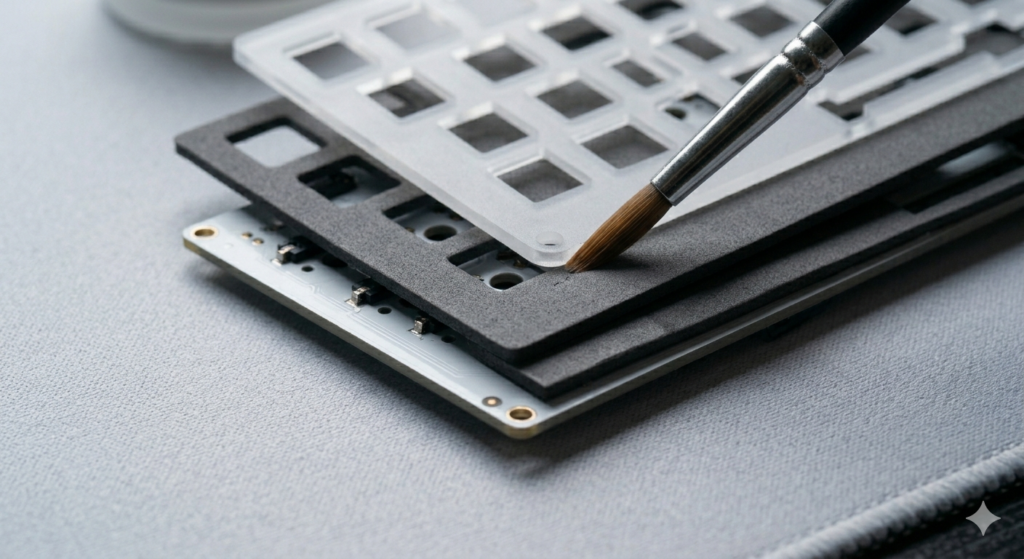
This guide provides a technical analysis of PCB foam, detailing material selection and safe installation techniques.
The Acoustic Science: Mass Loading and High-Frequency Filtering
To understand why PCB foam works, we must analyze the keyboard’s internal acoustics.
When a switch actuates, the high-frequency sound of the stem impact reflects instantly off the rigid plate and the PCB.
This microscopic gap acts as a localized echo chamber, amplifying sharp, metallic sounds.
Applying layers of dense foam directly in this gap changes the internal acoustic environment.
The foam acts as a mass loader, shifting the resonance frequency of the entire stack lower and filtering out harsh reflections.
Read Also: How to Correctly Install and Lube Screw
Material Science: Selecting the Correct Foam
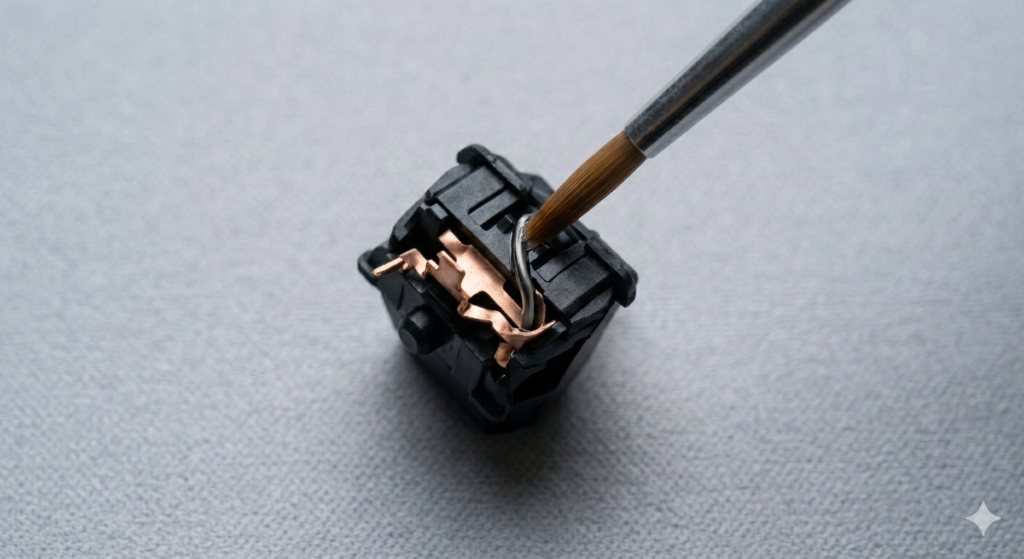
Material selection is critical when dealing with the complex electronic circuitry of a keyboard.
Poron is the gold standard for enthusiasts, offering exceptional mass loading without sacrificing the flexibility of the board.
Silicone is an extraordinarily dense material that acts as a total acoustic kill switch, producing a very muted sound profile.
PE Foam is sometimes used on top of the PCB to act as an acoustic reflector, creating a satisfying “pop” signature.
Installation Procedure for Complex PCBs
Always ensure your keyboard is fully disassembled and the PCB is isolated before starting.
Lay the PCB face-up on an ESD-safe mat and align the foam sheet so all hotswap sockets are clear.
Gently position the plate over the foam, ensuring it sits perfectly flat without any wrinkles.
Install a few switches to lock the stack together and verify that no foam is interfering with the metal pins.
Comparative Analysis: Sound Profiles
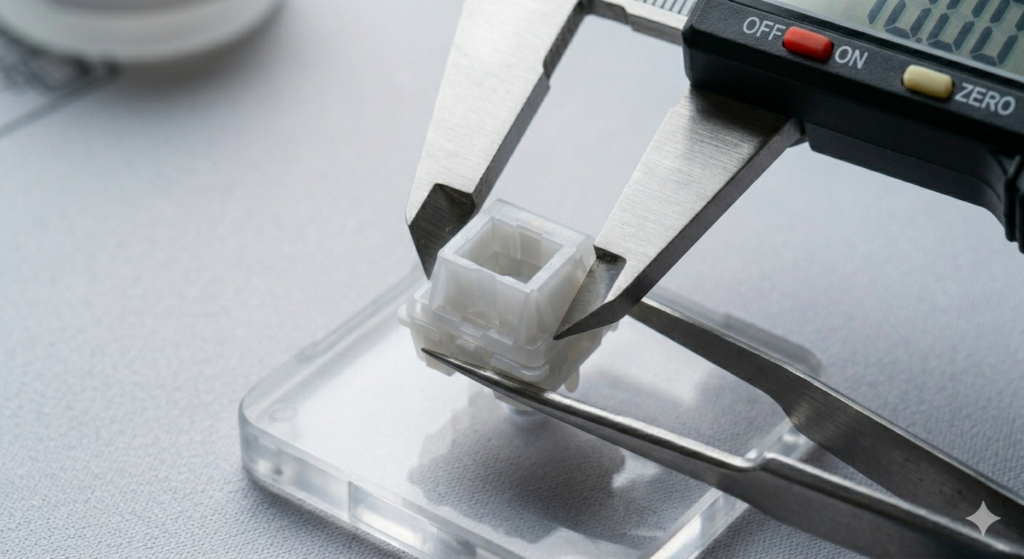
The effect of PCB foam depends heavily on your plate material.
For aluminum plates, PCB foam is transformative because it removes the natural metallic harshness of the metal.
Polycarbonate plates are already muted and deep, so adding foam can sometimes make the sound feel too “dead.”
Read Also: The Best Budget Mechanical Keyboards for Modding
Conclusion
PCB foam modding is a foundational technique for advanced keyboard building.
Installing specialized, dense materials directly targets internal resonance at the source of the keystroke.
By respecting the electronic materials and utilizing safe installation techniques, you can achieve a more refined sound.
PCB foam modding filters harsh high-frequency reflections and amplifies the deep acoustics that define a premium custom build.