The foundation of any custom mechanical keyboard is the switch beneath the keycap. While aesthetics, layout, and connectivity are important, the choice of switch dictates 90% of your typing experience.
But if you are new to the hobby, the sheer variety can be overwhelming. Linear, Tactile, Clicky, Silent, Speed, Gasket-mount compatibility—where do you even begin?
After reviewing and testing over 150 different switch varieties, I can confidently state that while there is no single “best” switch, there is absolutely a “right” switch for your specific typing style and environment.
This guide cuts through the marketing jargon and provides a clear breakdown of the three primary switch categories, helping you make an informed decision for your next build.
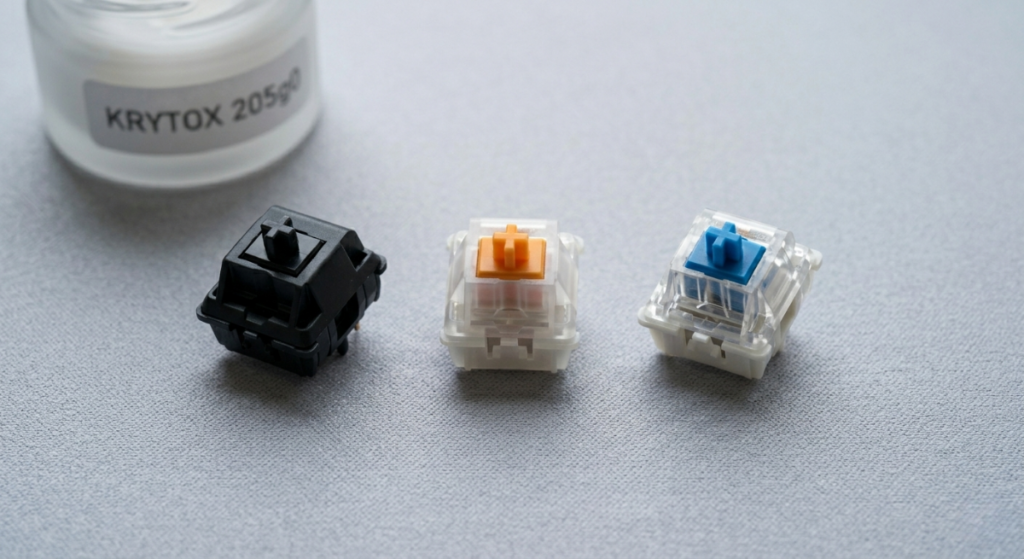
The Core Categories: Understanding the Action
All mechanical switches are classified by the “feel” and “sound” they produce during actuation. Every switch I have encountered falls into one of these three logical buckets:
Read Also: The Best Way to Fix Rattly Stabilizers and Spacebar Rattle
1. Linear Switches (Smooth and Direct)
Linear switches are defined by what they don’t have: a tactile bump. When you press a linear switch, the movement is a perfectly smooth, straight line from the top until you “bottom out” on the keyboard plate.
- Feel: Exceptionally smooth, often described as “buttery.”
- Sound: Generally quiet. The noise you hear is the stem impacting the housing or the plate (a “clack” or “thock”).
- Best For: Gamers require rapid-fire keypresses without interference. They are also preferred by typists who want the fastest, least fatiguing experience.
- Popular Examples: Cherry MX Red, Gateron Yellow, NovelKeys Cream.
2. Tactile Switches (Responsive and Communicative)
Tactile switches provide feedback. Around the middle of the keypress, you will feel a distinct physical interruption—a “bump.” This bump confirms that the key has actuated, allowing you to move to the next key without having to bottom out.
- Feel: Responsive. The location and “sharpness” of the bump vary wildly between models.
- Sound: Muted. Similar to linears, the sound comes from the bottom-out and reset, but the tactile mechanism itself does not generate a loud noise.
- Best For: Touch typists and coders who want accurate confirmation of their keypresses. Great for office environments where noise must be managed.
- Popular Examples: Cherry MX Brown, Glorious Panda, Drop Holy Panda X.
3. Clicky Switches (Audible and Nostalgic)
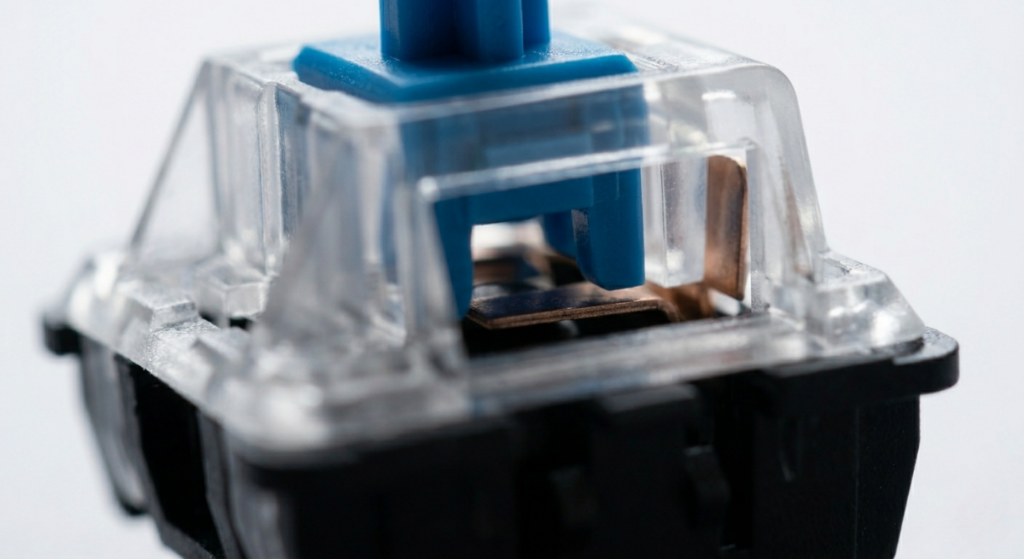
Clicky switches are the most demonstrative variety. They provide two forms of feedback: the physical tactile bump (as seen in linears) AND a loud, audible “click” sound.
- Feel: Similar to a tactile, but often with a sharper, more defined bump.
- Sound: Loud and crisp. The noise comes from an internal mechanism, like a “click jacket” or a “click bar,” snapping against the housing.
- Best For: Typing alone or in data entry where auditory feedback is desired. People who love the nostalgic feel of old-school IBM Model M keyboards.
- Popular Examples: Cherry MX Blue, Kailh Box White/Navy (Click Bar).
Beyond the Categories: Key Technical Specs Explained
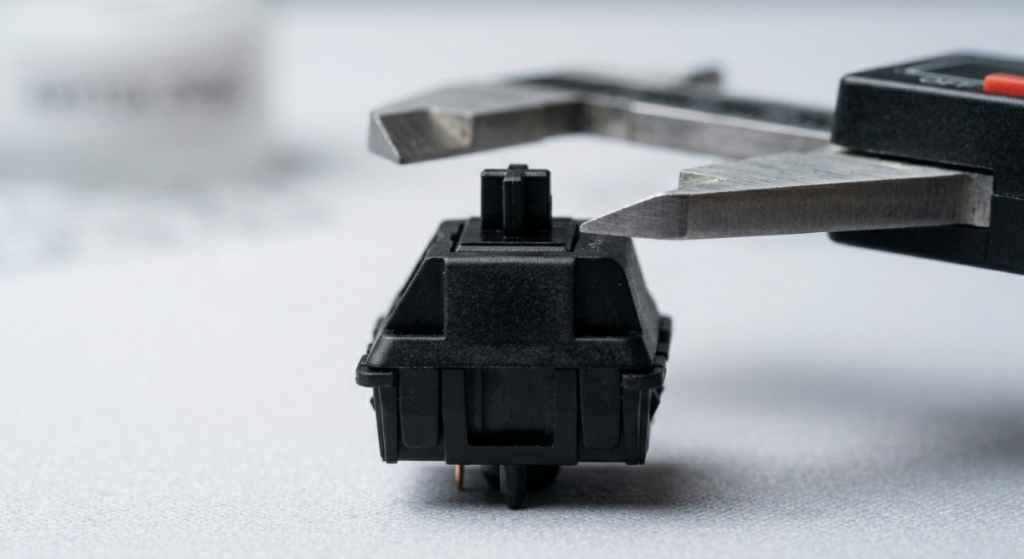
Once you know the feel you want, you must look at the specifications. Marketing terms like “Speed” or “Silent” are useful, but you must understand the two metrics I prioritize during testing: Actuation Force and Travel Distance.
- Actuation Force (or Operating Force): Measured in grams (g) or centinewtons (cN). This is the amount of pressure required to register the keypress.
- Expert Note: 45g (like a Cherry MX Red) is “light.” 60g+ is “heavy.” New typists often prefer 50–55g as a starting point.
- Travel Distance: Measured in millimeters (mm). This is how far the stem moves from the rest position until it bottoms out.
- Expert Note: The standard is 4.0mm total travel, actuating at 2.0mm. “Speed” switches reduce this (e.g., 3.4mm total, actuating at 1.1mm) for faster response.
Read Also: How to Lube Mechanical Switches
Which Switch Should You Choose?
This is the ultimate question. The answer depends entirely on your context and priorities.
- The Best for Gaming: Linear switches (especially “Speed” variants) are generally superior. They allow for the fastest rapid actuation and eliminate any internal resistance. Gateron Yellows are my current favorite budget gaming switch.
- The Best for Typing (Touch Typists): Tactile switches shine here. The bump provides confirmation, preventing accidental double taps and helping you maintain a consistent rhythm. Drop Holy Pandas are legendary for a reason.
- The Best for the Office/Shared Space: Stick with Linear or Tactile varieties. If you want a silent linear, Cherry MX Silent Reds are a reliable choice.
- The Best for Sound (The “Thock”): If you prioritize acoustics, you generally want lubed Linear switches. The smooth travel produces the cleanest, deepest bottom-out sound, provided your board has the proper foam modding.
Conclusion
The journey to finding your perfect switch is a recursive one; the more you try, the more your preferences will refine. While this guide provides the foundational logic, nothing beats trying the switches yourself.
I highly recommend purchasing a inexpensive “switch tester” that includes samples of all three categories before committing to buying 70 or 90 switches for a full build.
The tactile bump or the acoustic signature you love today may change as your custom keyboard journey continues, but understanding the categories of Linear, Tactile, and Clicky will always be your primary compass.

Vipul is a digital entrepreneur with a deep specialization in hardware optimization and web ecosystem management. With years of experience in the SEO industry and a passion for mechanical keyboard architecture, Vipul personally researches, tests, and writes every guide found on this site.